
What we do
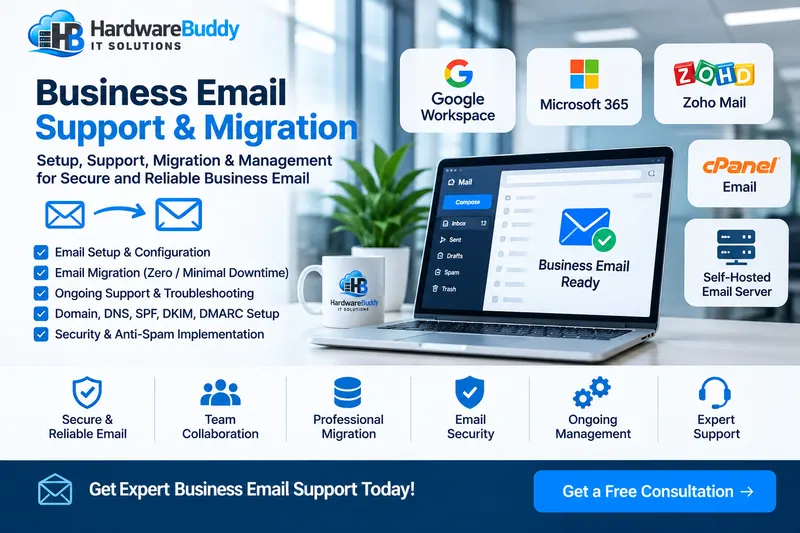
- New setup on Google Workspace, Microsoft 365 or Zoho Mail
- Domain DNS records (MX, SPF, DKIM, DMARC) for reliable delivery
- Migration between platforms, such as webmail to Microsoft 365 or Google Workspace to Microsoft 365, and the reverse
- Outlook and mobile configuration
- User, licence and security administration
- Fixing spam and delivery problems
- cPanel email and self-hosted email server setup and support
Who it is for
Business email on your own domain (like name@yourcompany.com) looks more professional than a free address and keeps company mail under company control. This service suits:
- New businesses that need professional email for the first time
- Offices still using free email addresses, or webmail that came with their hosting
- Teams moving between Google Workspace, Microsoft 365, Zoho Mail and cPanel email
- Businesses whose emails land in spam, bounce, or arrive late
- CA firms, schools, factories and offices that need shared mailboxes for addresses such as accounts@ or info@
Choosing a platform
There is no single best option. The right choice depends on how your team works:
- Microsoft 365 suits teams that rely on Outlook, desktop Word and Excel, and Microsoft Teams.
- Google Workspace suits teams that work mostly in the browser and collaborate on shared documents.
- Zoho Mail is another hosted option for professional email on your domain.
- cPanel or self-hosted email can work for a few mailboxes, with fewer collaboration features.
We explain the options for your number of users and your budget before you decide. For a detailed comparison, read Google Workspace vs Microsoft 365 for business email.
How it works
- Review: we check your current email, domain and DNS, and how many mailboxes and shared addresses you need.
- Plan: we recommend a platform and plan the move, so mailboxes are created before mail delivery is switched and no email is lost.
- Set up: we create users and shared mailboxes and add the MX, SPF, DKIM and DMARC records to your domain.
- Migrate: we copy existing mail, contacts and calendars from the old system, where the platforms support it.
- Configure devices: we set up Outlook, phones and laptops, and help your users get started.
- Support: we stay available for problems after the switch. Ongoing administration can be part of an IT AMC.
Delivery and spam problems
If your emails go to spam or bounce, the cause is often missing or wrong DNS records. SPF lists the servers allowed to send mail for your domain, DKIM signs each message, and DMARC tells receiving servers what to do with mail that fails those checks. We check and correct these records, and look at other causes such as a blocked sending server or a compromised account.
Security and backup
Email accounts are a common target for attackers. We recommend turning on two-step verification for every user, using separate admin accounts and removing access promptly when staff leave. Mailboxes can also be backed up: a Synology NAS can back up Microsoft 365 and Google Workspace data on supported models, as part of a NAS backup setup.
Where we work
Email setup and migration is done remotely, so it is available across India and internationally. Need a new website at the same time? We can set up the domain, website and email together. To get started, contact us with your domain name and number of users.
Frequently Asked Questions
Google Workspace or Microsoft 365 – which is better? +
Both are strong. Microsoft 365 suits teams that rely on Outlook and desktop Office apps; Google Workspace suits teams that prefer browser-based tools. We help you choose.
Will we lose emails during migration? +
We plan migrations to copy existing mail and switch delivery with minimal disruption.
Why are our emails going to spam? +
Often because SPF, DKIM or DMARC records are missing or wrong. We check and fix your domain settings.
Can you set this up for clients outside India? +
Yes. This service is delivered remotely.
Can you fix email on our existing cPanel hosting? +
Yes. We set up and support cPanel email and self-hosted email servers, as well as Google Workspace, Microsoft 365 and Zoho Mail.
Do we need to buy Microsoft 365 or Google Workspace licences separately? +
Each user needs a subscription from the email provider. We help you choose the right plan and set it up. Third-party subscription charges are separate from our setup work.